Synology

Network attached storage running DSM, with Surveillance Station video management built in.

2000Founded
13M+Installations worldwide
20,000+Supported cameras and devices
3-YearHardware warranty (DS925+)
CamerasRecorded 24/720,000+ models supportedOffice dataPCs, serversBacked up and versionedPerson at gateSnapshot takenCopy to C2DSM 7.42 free camera licences
13 million+Synology installations worldwide, from a company founded in 2000
20,000+IP camera models and devices supported by Surveillance Station
100 camerasand 40 AI tasks at once on the DVA7400 AI recorder
216 TBraw capacity on a 4-bay DS925+ with a DX525 expansion unit
Two jobs, one box

DSM for your data, Surveillance Station for your cameras

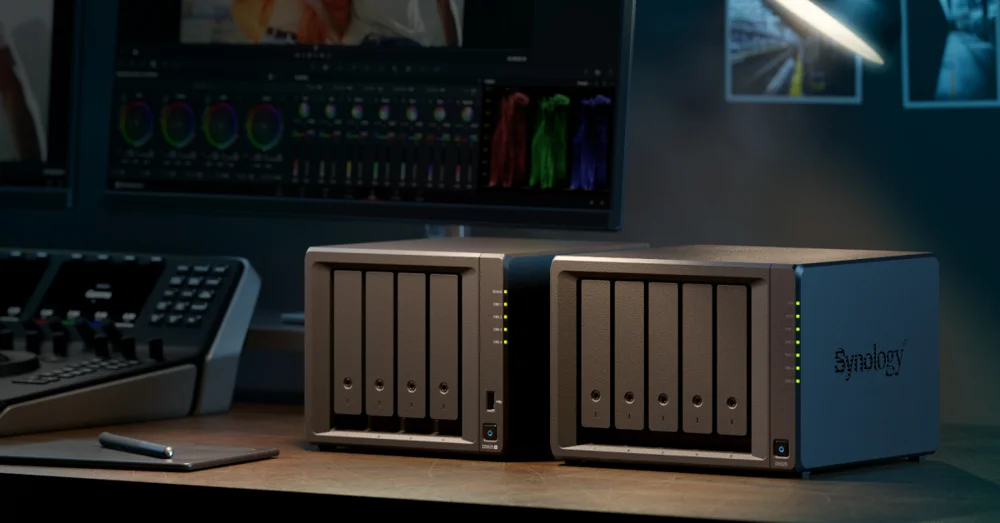
Every Synology NAS runs DSM, which looks after files and backups. Surveillance Station runs on the same NAS as a full video management system, so one box on site can hold the office’s data and the cameras’ footage.

Synology NASShared folders with snapshotsSecond NASReplicated copy at another siteC2 StorageHyper Backup, AES-256 encryptedbackup, built into DSM3-2-1Hyper BackupVersioned backupsImmutable snapshotsDeduplicationFiles on the NAS, a copy on another box and another in the cloud
Storage and backup

DiskStation Manager (DSM)

The operating system on every Synology NAS. It shares and syncs files, backs up the computers and cloud accounts around it, and protects its own data with snapshots and off-site copies, all from a web browser.

  • Synology Drive to sync and share files from any device
  • Active Backup for Business for PCs, servers and VMs
  • Hyper Backup to another NAS, a USB drive or C2 Storage
  • Immutable snapshots that cannot be changed or deleted early
Recorded on siteCamerasI/O modulesIP speakersDoor accessSynology NASYour own VMS2 camera licences includedLive view, alertsWeb, desktop, appMulti-site CMS
Video management

Surveillance Station

A video management system that runs on Synology NAS units and DVA recorders. Live view, recording, playback and alerts are handled on site, and the Central Management System joins many recorders and sites into one console.

  • Two camera licences included, more with licence packs
  • Cameras, I/O modules, access controllers and IP speakers
  • Central Management System for multi-site deployments
  • Web browser, desktop client and mobile app
What it does

Recording, finding and protecting footage

On the DVA recorders the AI runs on the box itself, with nothing sent off site to be analysed. These are the features that matter most on a security job, along with the backups that keep office data safe.

Man in a red jacket carrying a box4 matchesCam 3Dock 14:02Cam 7Rear door 14:04Cam 9Car park 14:06Cam 8Side gate 14:07Semantic Video Search on the DVA7400 finds moments by description

Search in everyday words

Semantic Video Search on the DVA7400 lets you type a description, or filter by clothing colour or vehicle type, and see every camera that caught it. Find Repeated Objects links one person’s sightings into a path across the site.

2XY 7KDPlate read2XY 7KDDVA7400 readAllowed vehicleStaff car park · 07:48Allow list: open gate

Licence plate recognition

Plates are read and logged as vehicles come and go, with allow and block lists that can run an action, such as opening a gate or sending an alert.

Rear fence linePerson crossed 2:14 amPossum ignored

Intrusion detection

Virtual boundaries alert the moment a person or vehicle crosses from the direction you set, and loitering alerts flag anyone lingering in a no-go zone such as a back entrance.

Front entrance countsPeople in1,284People out1,251Vehicles312Busiest hour12 pmPeople per hourAlertsCrowd alert · FoyerCar in no-parking bayReport emailed 6 pm

People and vehicle counting

Counts of people and vehicles in and out of a site, with reports for later review. Crowd detection can warn staff before an area gets too busy.

Surveillance365Cloud copy of NAS footageMFA and your own keyMelbourneOffice NASGeelongStore camerasBendigoDepot NASPortalApp

A cloud copy of the footage

Surveillance365 keeps a copy of Surveillance Station recordings in Synology’s cloud, so footage survives if the NAS is stolen or damaged. Access needs multi-factor sign-in and an encryption key only the account holder holds, with retention from 45 days to ten years.

To C2Active BackupOne NAS, every deviceOffice PCsFilesVM hostM365Scheduled backups; restore one file or a whole PC from the portal

Backups for the whole office

Active Backup for Business pulls PCs, file servers, virtual machines and Microsoft 365 accounts onto the NAS, managed from one portal. Hyper Backup then sends an encrypted, deduplicated copy to another NAS or C2 Storage.

The range

What Synology makes

Desktop NAS

  • DS925+ and DS1825+ Plus Series
  • DS425+ and DS225+ compact Plus models
  • DS423 and DS223 Value Series
  • DS223j and DS124 for small offices

Rackmount and enterprise

  • RS1226+ and RS2825RP+ Plus rackmounts
  • XS+ Series such as the RS6426xs+
  • FS all-flash, SA, HD and PAS enterprise storage
  • DX and RX expansion units

Surveillance

  • Surveillance Station on every NAS
  • DVA7400 and DVA1622 AI recorders
  • Synology Cameras, including the BC800Z
  • VisualStation for video walls
  • Surveillance Device License Packs

Drives and cloud

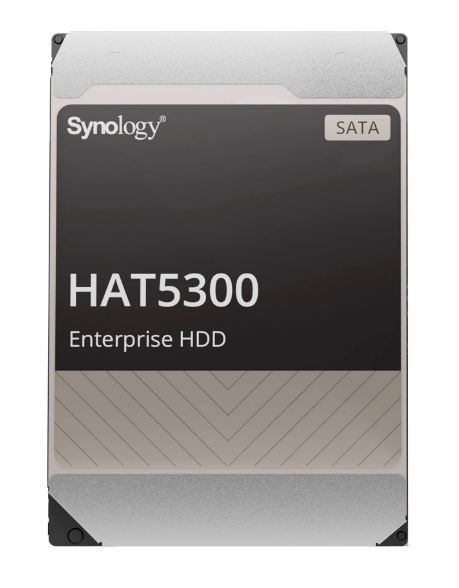
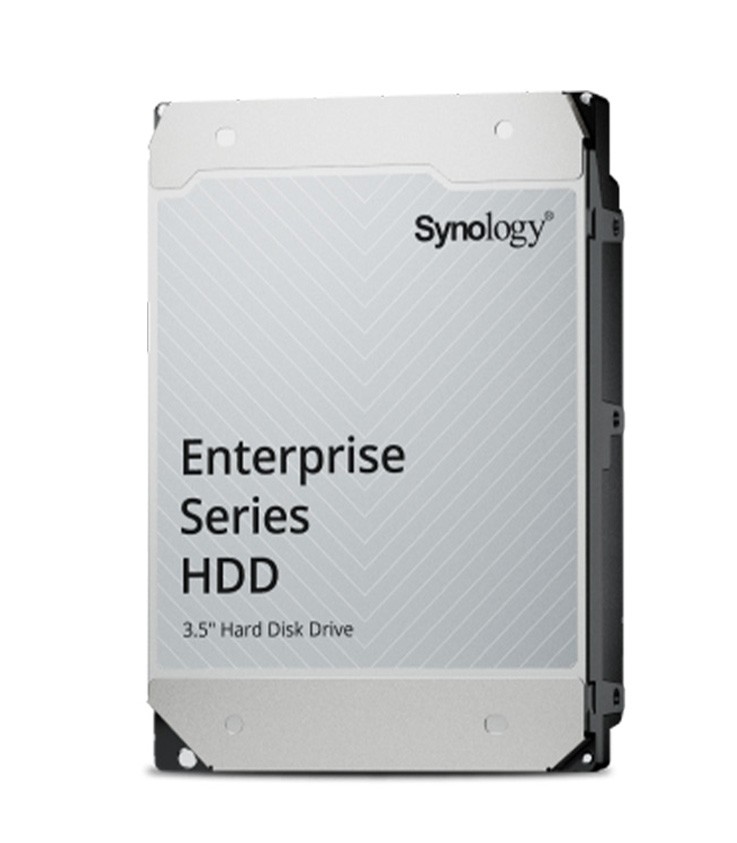
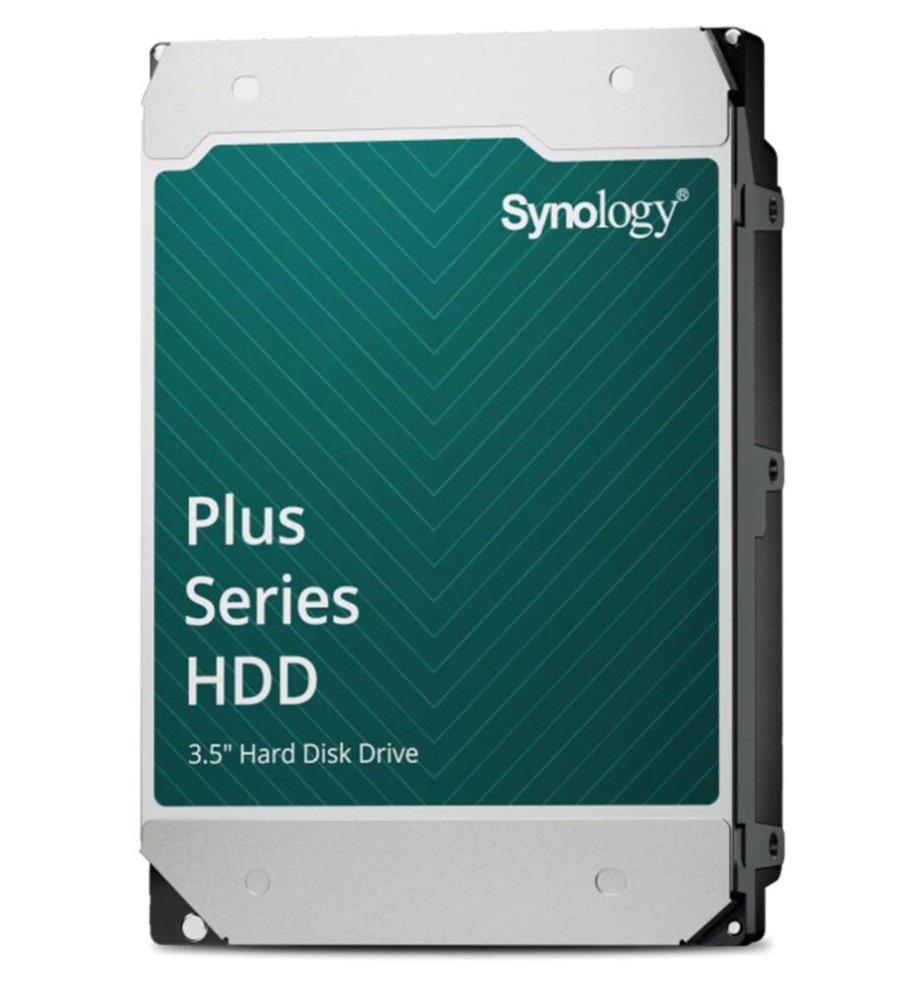
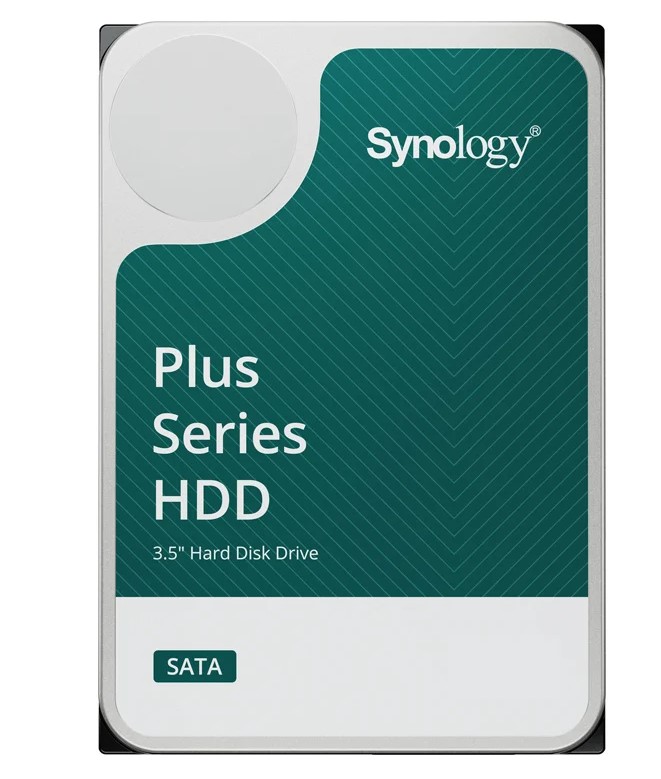
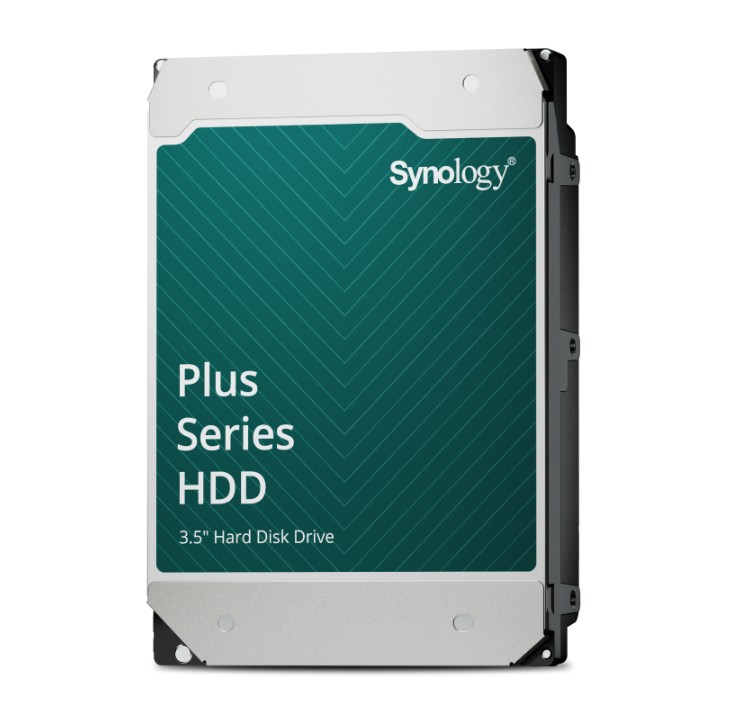
  • Synology Plus and Enterprise Series hard drives
  • Enterprise Series SATA and M.2 NVMe SSDs
  • C2 Storage and C2 OneStorage
  • Surveillance365 cloud surveillance
How it fits together

A Teracom Synology setup, end to end

ON SITESYNOLOGYPEOPLEIP camerasRecorded 24/7Office PCsBacked up nightlyServers and VMsBacked up nightlyI/O and doorsEvents into the VMSSynology NASDSM and SurveillanceC2 cloudOff-site copiesSecurity deskLive view and playbackStaffFiles and restoresTeracomHealth and upkeepOne NAS records the cameras and protects the office data, with an encrypted copy kept off site

Cameras record to Surveillance Station and office machines back up to the same Synology NAS, which sends an encrypted copy off site. The security desk plays back footage, staff restore their own files, and we keep an eye on the health of the box.

Where we put it to work

  • Small and medium businesses
  • Retail
  • Schools
  • Medical and allied health
  • Professional offices
  • Warehousing and logistics
  • Multi-site businesses
Teracom and Synology

What Teracom does with Synology

  1. Advise

    NAS model, drives and RAID level worked out from the camera count, how long footage must be kept and how much office data needs backing up.

  2. Supply

    Synology NAS units, compatible drives and camera licences supplied as one package, matched to the site.

  3. Set up

    Storage pools, Surveillance Station, user accounts and backup jobs configured, and a restore tested before handover.

  4. Support

    Drive health, DSM updates and backup results checked on a maintenance plan, with a failing drive replaced before it puts data at risk.

Why Teracom works with Synology

Storage, backup and surveillance in one box.

One Box for Data and Video

DSM handles files, sync and backup while Surveillance Station records the cameras, so a single Synology NAS can serve both the office and the security system.

Backup Built In

Active Backup for Business, Hyper Backup and Snapshot Replication protect PCs, servers, virtual machines and Microsoft 365, with encrypted copies to another NAS or C2 Storage.

Immutable Snapshots

Snapshots that cannot be changed or deleted before their retention period ends, so shared folders can be rolled back after a mistake or a malware attack.

AI on the Recorder

DVA recorders run plain-language video search, licence plate recognition, face recognition and people counting on the box itself, with up to 100 cameras on the DVA7400.

Two Camera Licences Included

Surveillance Station comes with two free camera licences, and licence packs add more cameras, I/O modules, access controllers and IP speakers as a site grows.

From Desktop to Data Centre

The range runs from one-bay desktop units to XS+ rackmounts, all-flash FS models and PAS enterprise storage that scales to 216 drive bays.

Synology is a Taiwanese company, founded in 2000, that makes network attached storage (NAS) and the software that runs on it. Every Synology NAS runs DiskStation Manager (DSM), which shares and syncs files, backs up the PCs, servers and cloud accounts around it, and protects its own data with snapshots and off-site copies to another NAS or Synology's C2 cloud. The range runs from one-bay desktop units through to rackmount and all-flash enterprise storage, with more than thirteen million installations worldwide.

Synology NAS units also run Surveillance Station, a full video management system for IP cameras, I/O modules, access controllers and IP speakers. Synology's DVA recorders go further, running AI on the box itself for plain-language video search, licence plate recognition and people counting.

We supply Synology NAS units through our distributors, fitted with the right drives for office file storage and backup, or as the recorder behind a camera system.

Abstract technology visual

Interested in Synology products?

Visit the Teracom Store for current stock, pricing and availability.

Visit the Store
Synology Supplier, Melbourne | Teracom